


Mini IR Remote Adapter
Mini IR Remote Adapter
📱 Turn your phone into a remote for compatible devices
📺 Control your TV, AC, and more from one app
🔑 Carry it easily with the included keyring


NEW RELEASE | LOW STOCK
BUNDLE & SAVE
Couldn't load pickup availability
-

Set it up for my TV and bedroom AC. Handy when the remotes go missing.
-

Small enough to keep on my keys, and setup was easy on my phone.
-

I use it for the living room fan and TV. Nice having both controls in one app


How It Works

How It Works
Plug the Mini IR Remote Adapter into your phone and open the compatible app. Select your device type and brand, then point the adapter at the device and test the on-screen controls.
Our Guarantee

Our Guarantee
Try it for 30 days. If you’re unhappy with your purchase, contact us for a full refund, no questions asked.
Shipping

Shipping
All orders get fulfilled within 1-2 business days and shipped within 5-10 business days

Mini IR Remote Adapter


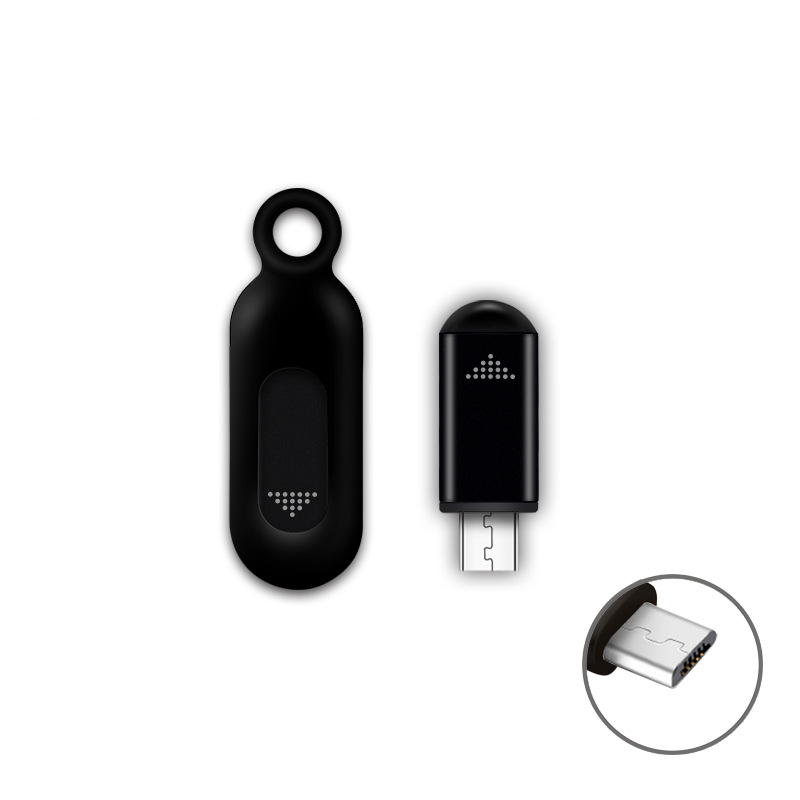

Mini IR Remote Adapter - Luxtony
One Phone. Fewer Remotes to Look For.
Misplaced the TV remote again? Plug the Mini IR Remote Adapter into your phone to turn on a compatible TV, adjust the AC, or switch on a fan. Save your compatible devices in the app so their controls are easy to find the next time you need them.

Mini IR Remote Adapter - Luxtony
Switch Between Devices in One App
Set up your compatible TV, AC, fan, or projector in the app. Switch between their controls without reaching for a different remote each time.

Mini IR Remote Adapter - Luxtony
Plug In Without Bluetooth Pairing
The adapter plugs directly into your phone. Open the app and use its on-screen controls to send infrared commands.

Mini IR Remote Adapter - Luxtony
A Practical Backup for the Remotes You Use Every Day
When the TV remote disappears into the couch cushions or the AC remote runs out of batteries, reach for your phone. Once your compatible devices are set up in the app, their controls are ready whenever you plug in the adapter.
WE ASKED OUR CUSTOMERS AND FOUND OUT...
95%
of customers said setup was easy on their phone.
97%
of customers found it convenient to control multiple devices from one app.
93%
of customers said it came in handy when they couldn’t find their regular remote.
Have Questions? We have Answer!
Which devices can I control?
Which devices can I control?
You can control compatible TVs, air conditioners, fans, projectors, and other devices that use infrared remotes. Exact compatibility depends on the device model and the remote codes available in the app.
Will it fit my phone?
Will it fit my phone?
Choose the connector that matches your phone’s port. Check that the companion app supports your phone model and operating system before ordering.
Do I need to install an app?
Do I need to install an app?
Yes. The companion app lets you select your device and access its on-screen remote controls.
Do I need to pair it over Bluetooth?
Do I need to pair it over Bluetooth?
No. The adapter connects directly to your phone and sends infrared signals to the device you want to control.
Do I need to point it at the device?
Do I need to point it at the device?
Yes. Aim the adapter at the device’s infrared receiver and keep the path clear, just as you would with a standard infrared remote.